Connect a client
Your endpoint is the middleware's URL plus /v1 (the settings page shows it), and the key is one you create there. Anything that speaks the OpenAI chat API can use it.
rubry.ai
- On rubry.ai/chat, open the Agent menu and pick + Connect your agent…
- Give it a name, paste the endpoint and the key, and press Connect.
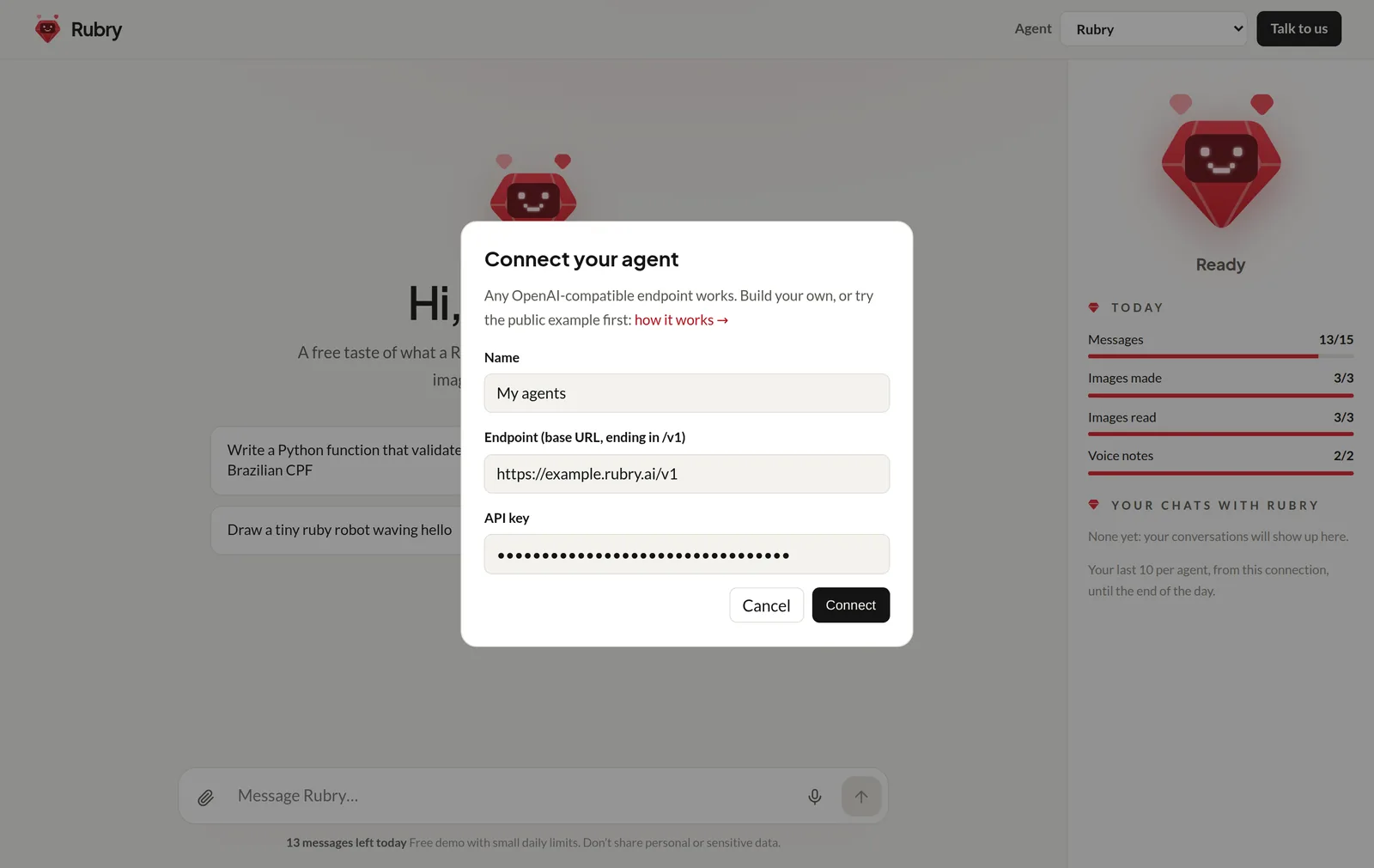
rubry.ai checks the endpoint first (GET /v1/models with your key). If it lists auto, rubry.ai uses it; otherwise it talks to the first model listed. Your agent joins the menu and is selected:
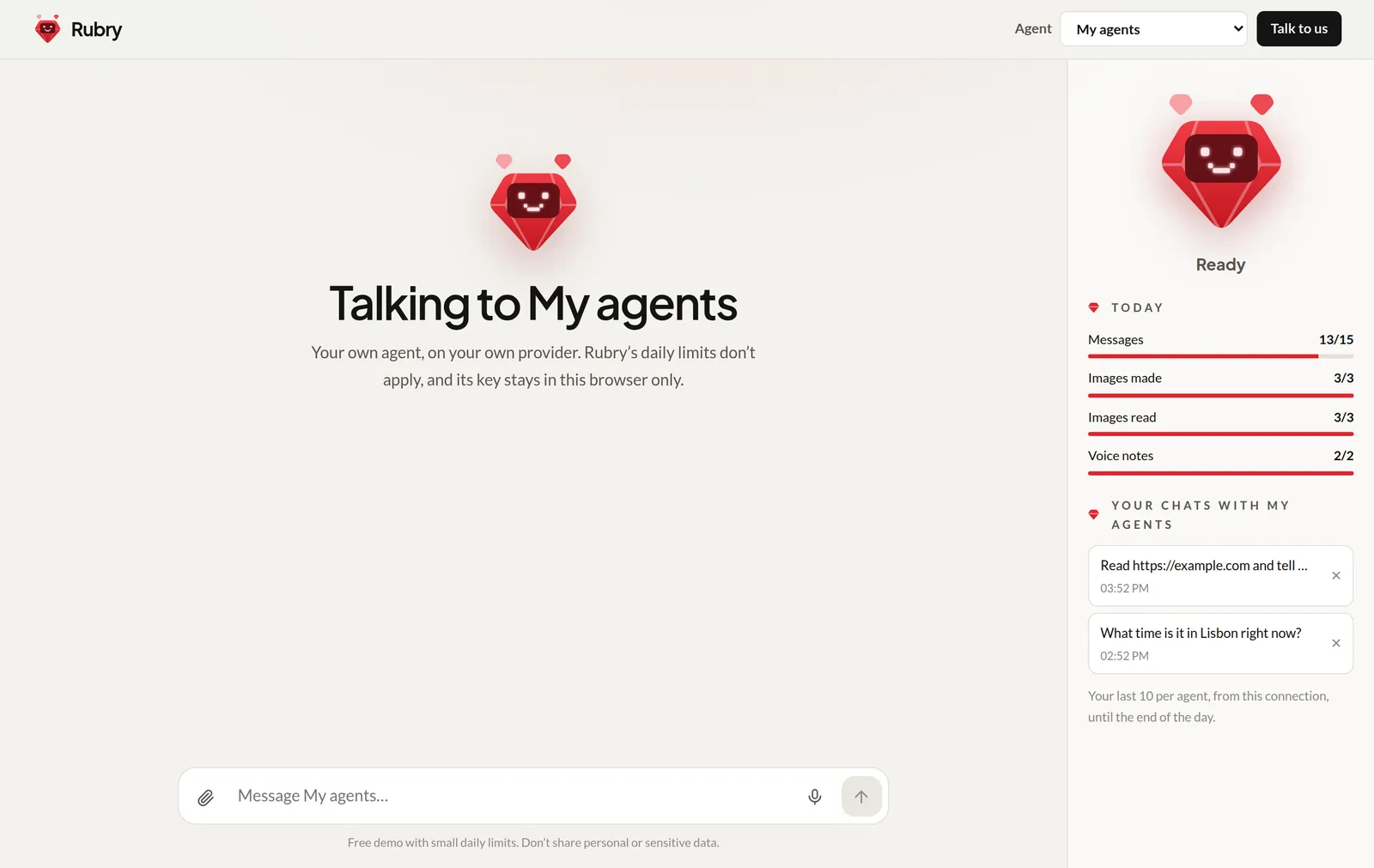
- Limits: messages to your agent don't count toward Rubry's daily allowance or budget; only an anti-abuse check applies. See Limits.
- Only you see it: it lives in your browser, not in an account; nobody else's menu shows it.
- History: rubry.ai keeps your conversations with it in its sidebar, like those with its own agents, and sends the last few messages with each new one.
- Up to 3 agents can be connected at once. Remove one from the same dialog.
- Where's the key? In an encrypted, HttpOnly cookie in your browser. See Security.
Open WebUI
Settings → Connections → OpenAI API: URL = your endpoint, key = your API key. Your agents (and auto) appear as models.
OpenAI SDK
import OpenAI from 'openai';

const client = new OpenAI({ baseURL: 'https://agents.example.com/v1', apiKey: 'rk_…' });

const stream = await client.chat.completions.create({
	model: 'auto',
	stream: true,
	messages: [{ role: 'user', content: 'Plan a 3-post LinkedIn week for a bakery' }],
});
for await (const chunk of stream) process.stdout.write(chunk.choices[0]?.delta?.content ?? '');
curl
curl -N https://agents.example.com/v1/chat/completions \
  -H "Authorization: Bearer rk_…" -H "Content-Type: application/json" \
  -d '{"model":"auto","stream":true,"messages":[{"role":"user","content":"Hi!"}]}'
Add -H "X-Session-Id: <any id>" and send only the new message each time to let the agents keep the conversation in memory.