Try the example
example.rubry.ai is a public deployment of the template, with its two example agents: Writer and Researcher (which reads web pages and tells the time anywhere). Anyone can take a key and connect it to rubry.ai.
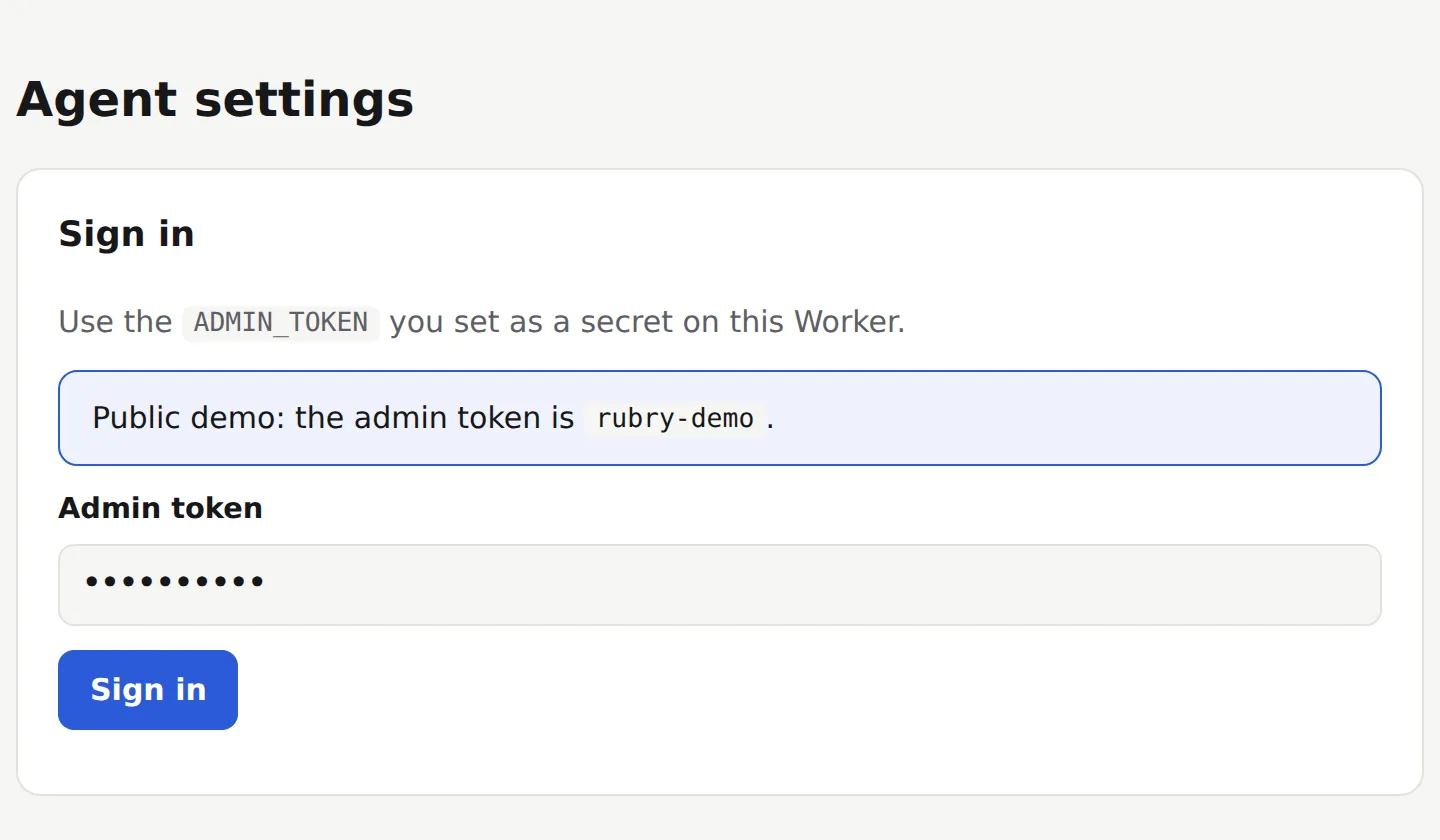
1. Sign in to its settings page
Open example.rubry.ai. It is a public demo, so its admin token is published right there (rubry-demo) and already filled in: press Sign in.
2. Create an API key
Under API keys, give the key a name and press Create key. Copy it right away: it is shown only once.
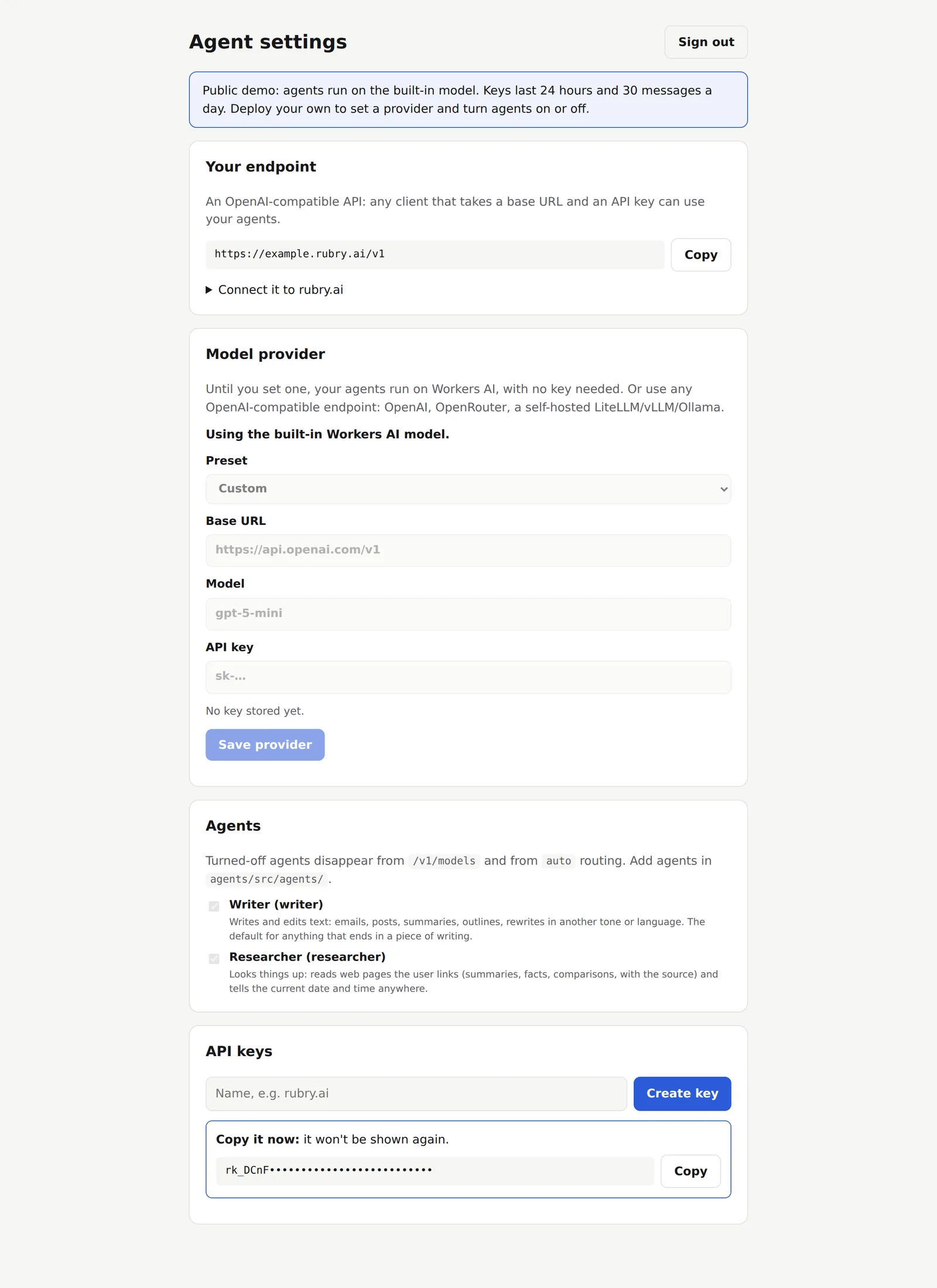
The page also shows your endpoint, https://example.rubry.ai/v1. On your own deployment the same page sets the model provider and turns agents on or off; on the example those are fixed.
:::note Demo limits Keys on the example last 24 hours and allow 30 messages a day each, on the built-in Workers AI model. Deploy your own for no such limits. :::
3. Connect it on rubry.ai
On rubry.ai/chat, open the Agent menu and pick + Connect your agent…. Give it a name, paste the endpoint and the key, and press Connect.
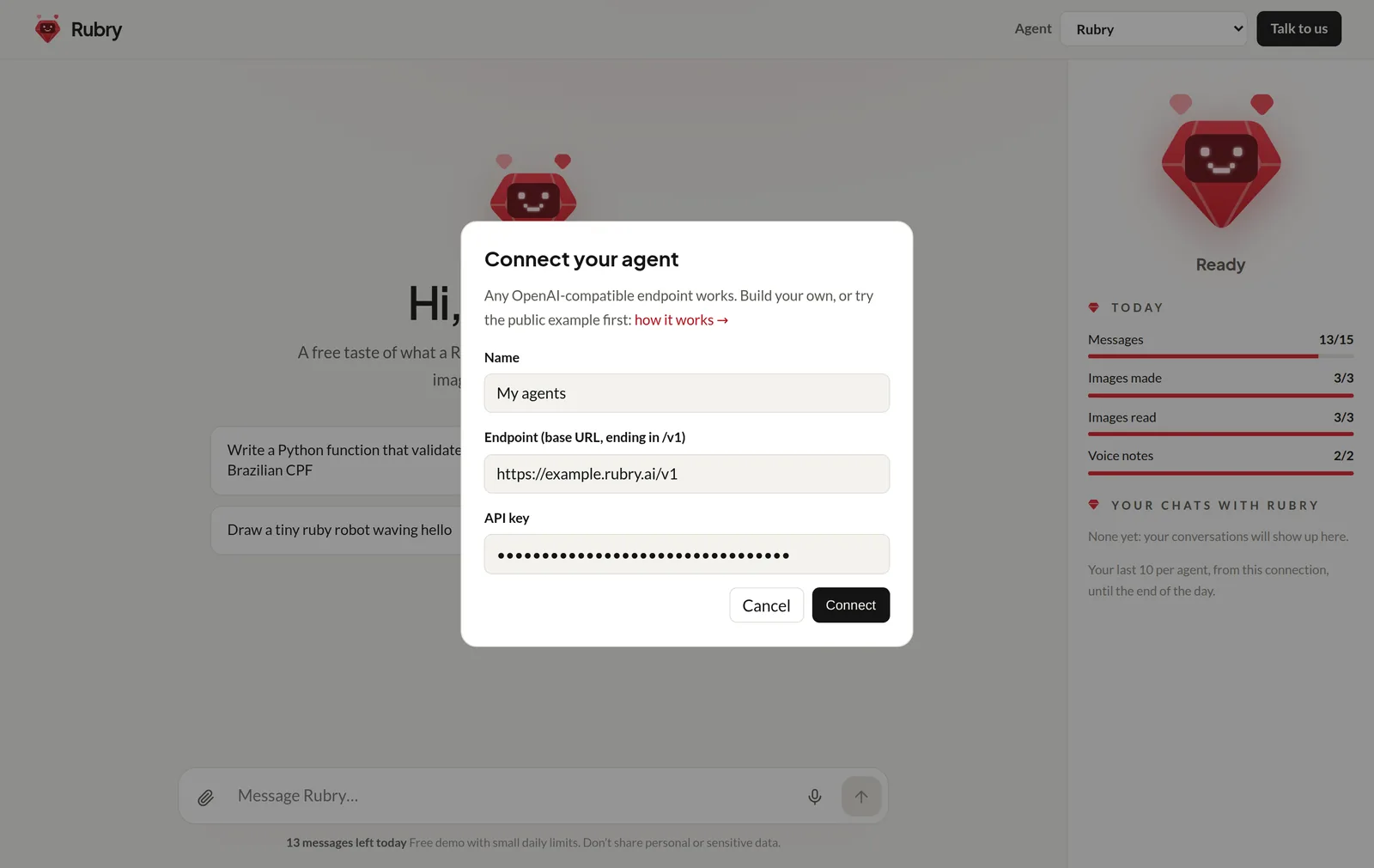
rubry.ai checks that the endpoint answers with that key, then adds the agent to the menu and selects it.
4. Chat with it
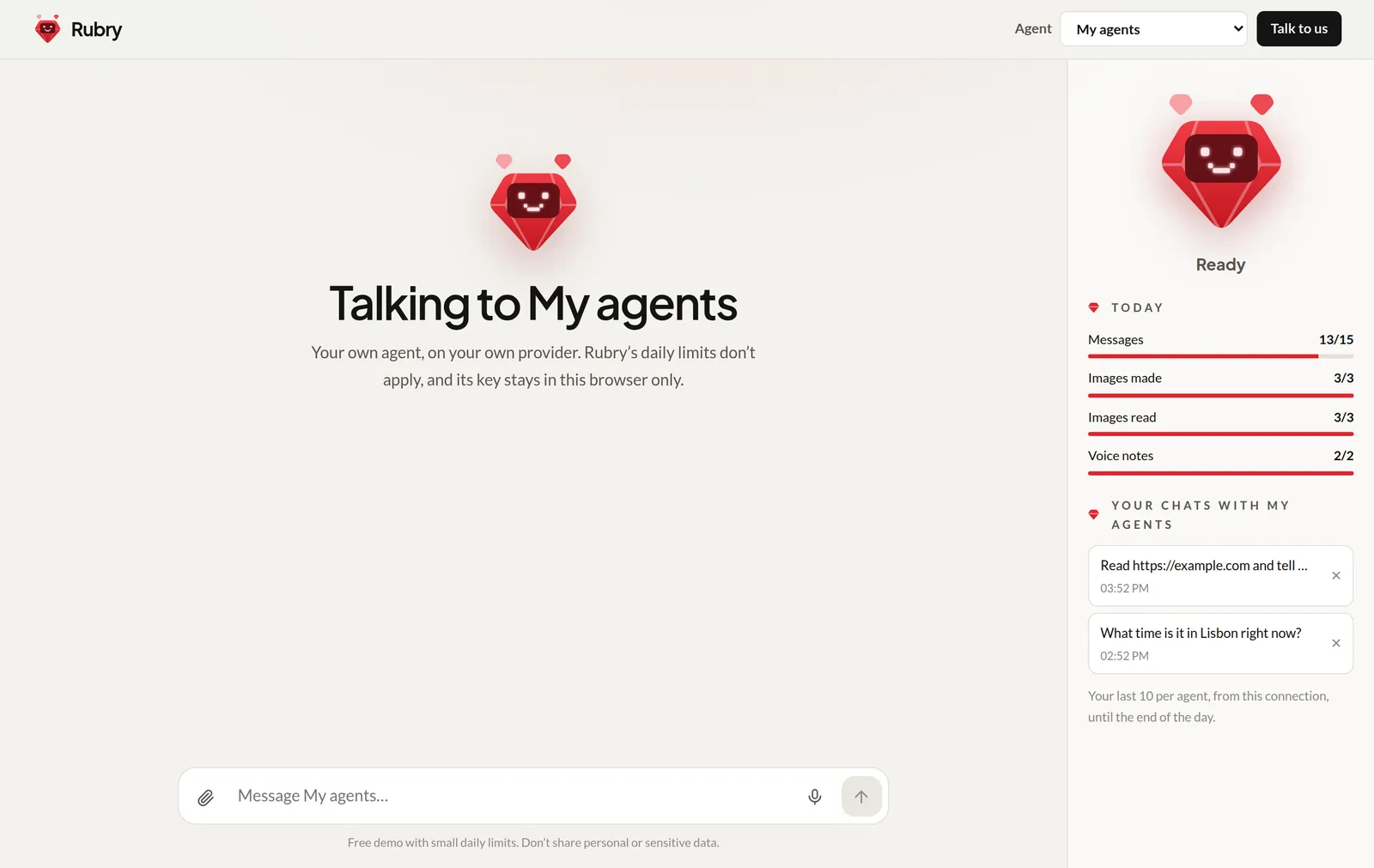
rubry.ai talks to the example with model: "auto", so a planner picks the agent for each message: a URL goes to Researcher, a piece of writing to Writer, and a message with both is split between them.
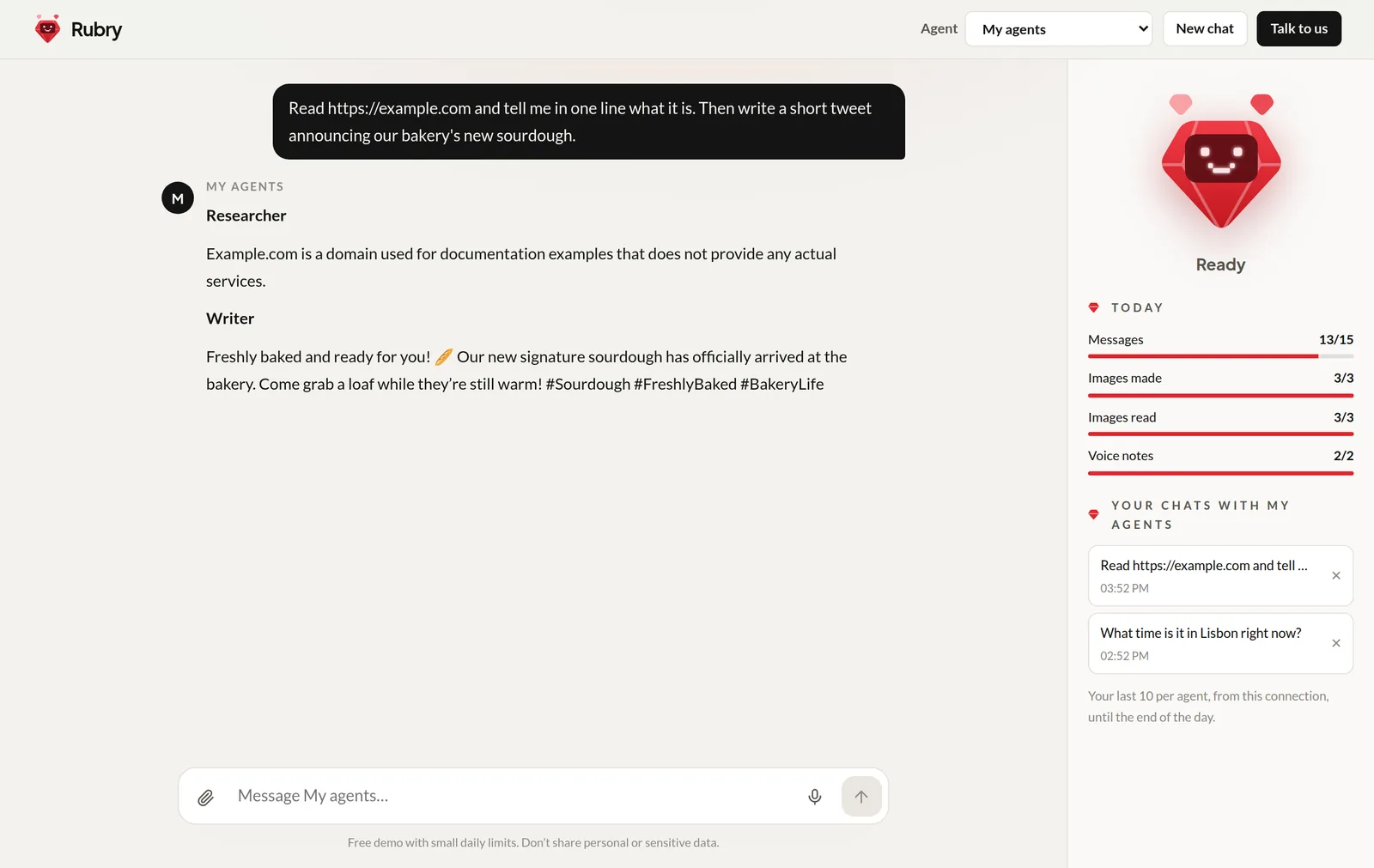
Your conversations with it are listed in the sidebar, like those with Rubry's own agents. The key stays in an encrypted cookie in your browser only: see Security.
Next: build your own.